

Steps for iOS / Android
Add YummBU to your home screen in seconds. Direct install for Android & quick Web App for iOS!
Open in Safari
Launch Safari on your iPhone and visit the YummBU website link.
Tap Share
Tap the Share button (square with upward arrow) in the Safari toolbar.
Add to Home Screen
Scroll down the share sheet and select "Add to Home Screen".
Tap Add & Launch
Tap "Add" at the top right. YummBU is now saved on your home screen!
Open in Chrome
Open the YummBU website link in your Google Chrome browser.

Tap Chrome Menu
Tap the three dots menu (⋮) at the top-right corner of Chrome.
Select Install App
Tap "Install App" or "Add to Home screen" from the menu options.
Confirm & Enjoy
Confirm by tapping "Install". YummBU is ready on your app drawer!


Everything you need, right on campus.
Good food is just a few taps away — discover how YummBU makes campus food ordering simple, from finding your favourite food to placing and tracking your order.
Discover
Explore food spots around your campus and find something you'll love.
Choose
Browse menus, pick your favourites, and build your order your way.
Order
Place your order directly with the campus shop through YummBU.
Enjoy Fresh
Head to the pickup point, collect your warm order, and enjoy your meal.
That's it. Simple.
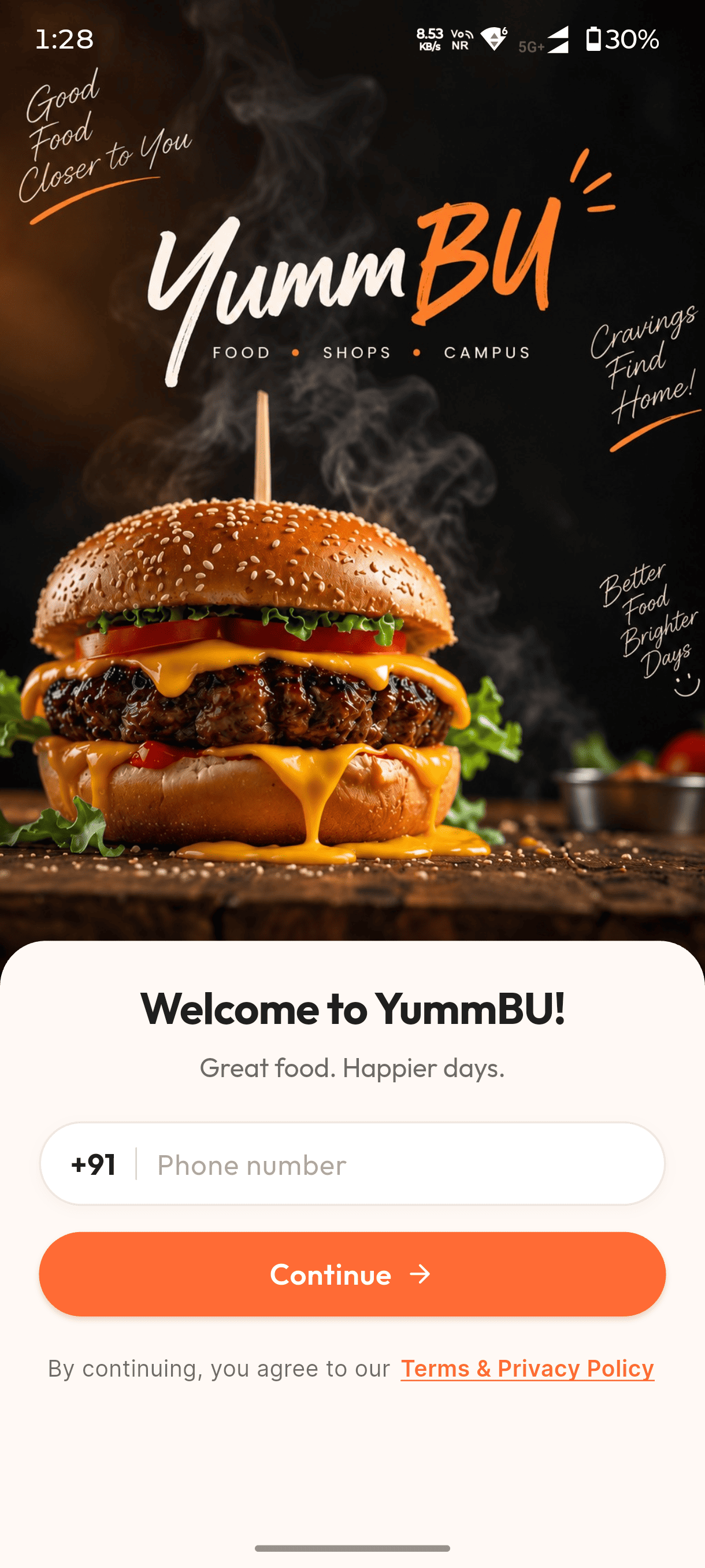
Your campus food, just a tap away.
Open YummBU and get started in seconds. Enter your details to access a simple food-ordering experience designed around campus life.
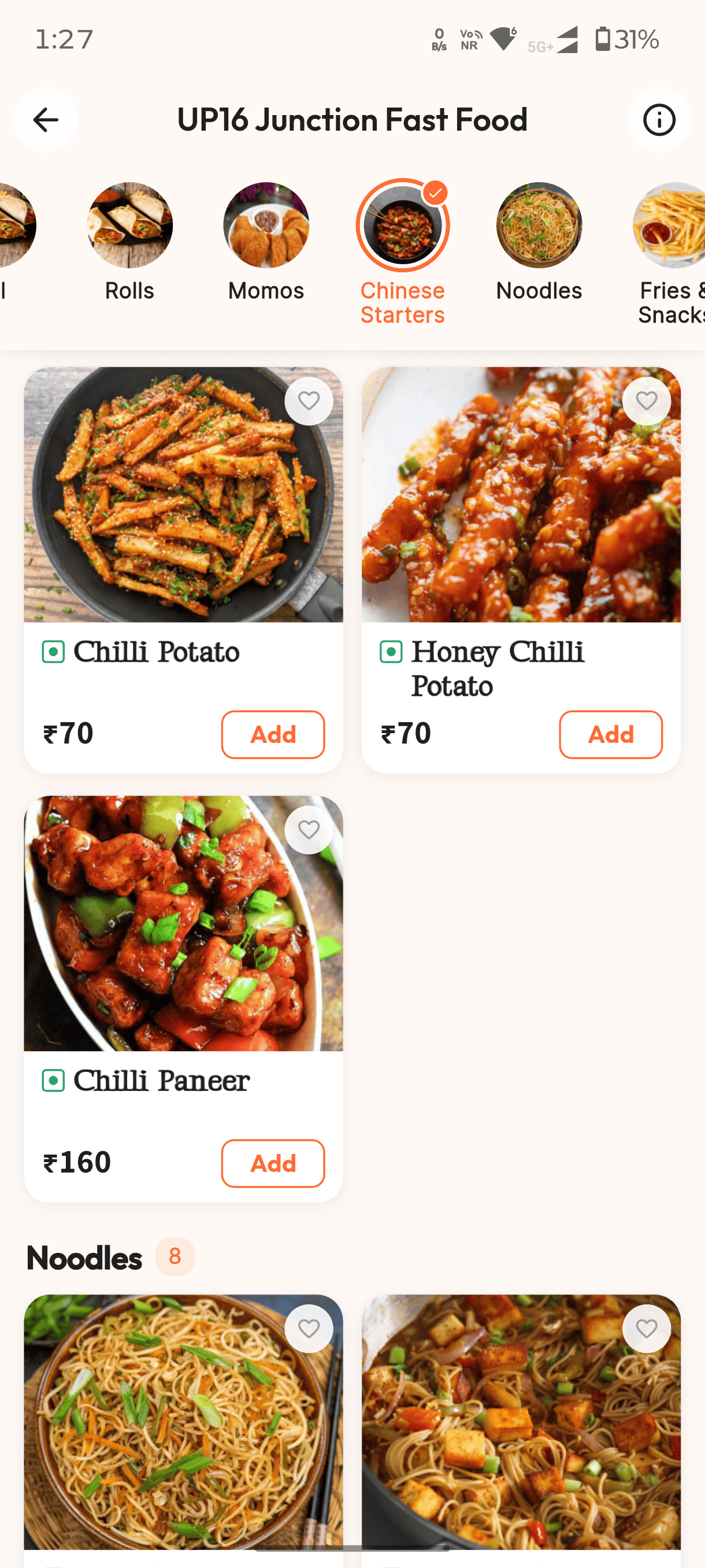
Find what you're craving.
Explore near campus food spots, browse categories, discover menus, and choose from the food you love — all in one place.
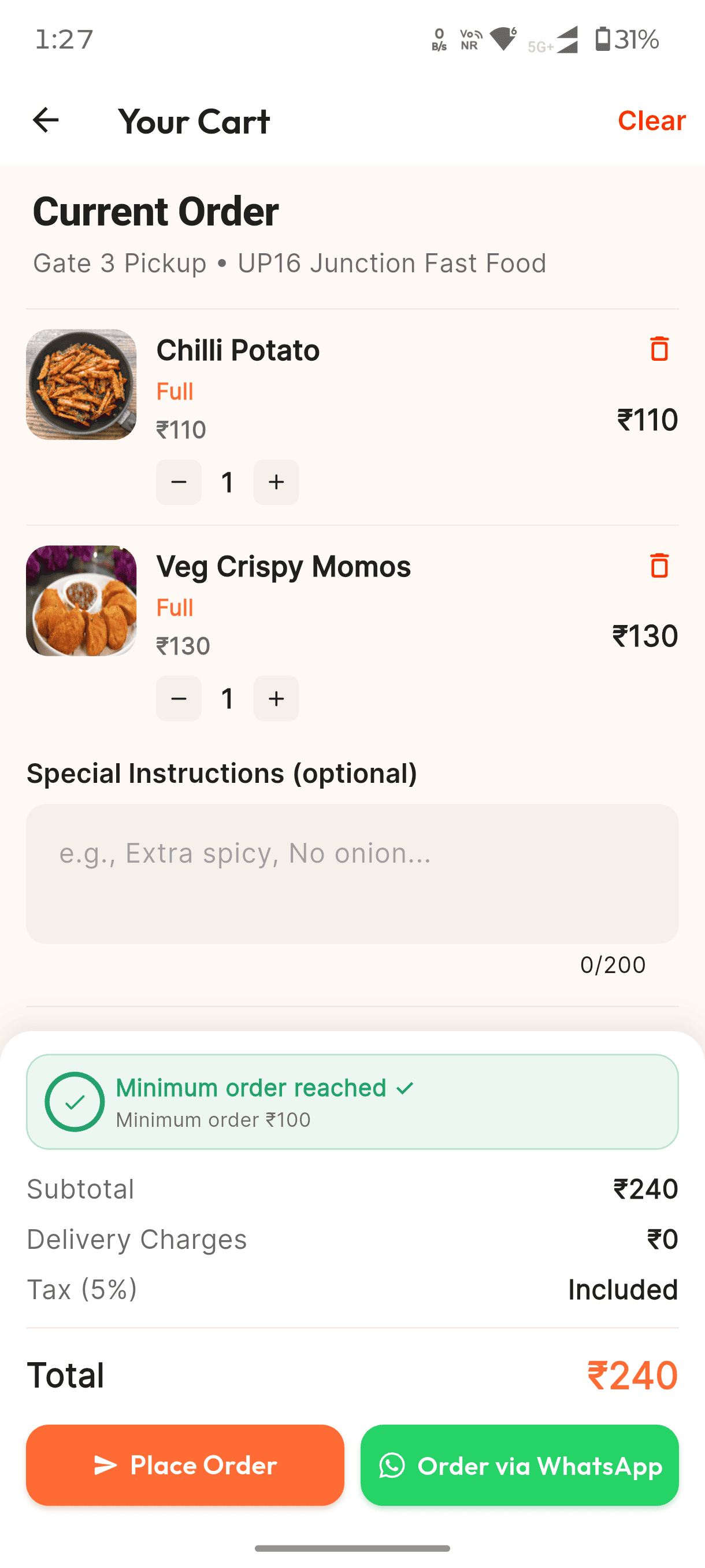
Pick. Customize. Order.
Add your favourites to the cart, adjust quantities, add special instructions, and review your order before placing it.
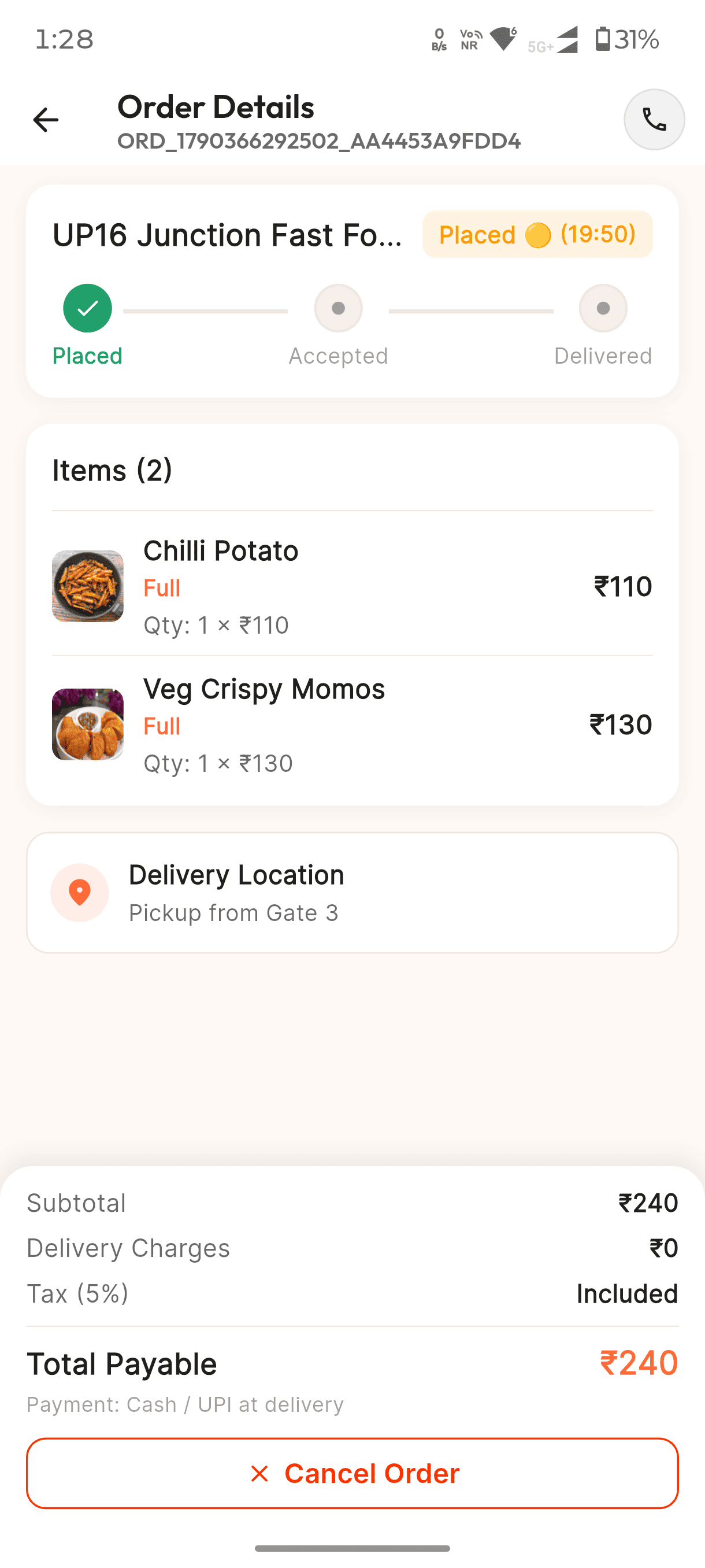
From placed to ready — stay in the loop.
See your order status, check your items and pickup location, and keep track of your order from the moment it's placed.
From craving to pickup, YummBU keeps it simple.
Discover • Choose • Order • Enjoy
Good food. Right on campus.
YummBU is built to make campus food ordering simpler. Instead of searching for shop numbers, checking what's available, or figuring out where to order from, YummBU brings nearby campus food options together in one simple place.
Discover local campus shops, explore their menus, build your order, and place it easily — so you can spend less time figuring out food and more time enjoying it.
Simple. Local. Made for campus life.